AI assistant
MonoChat Start
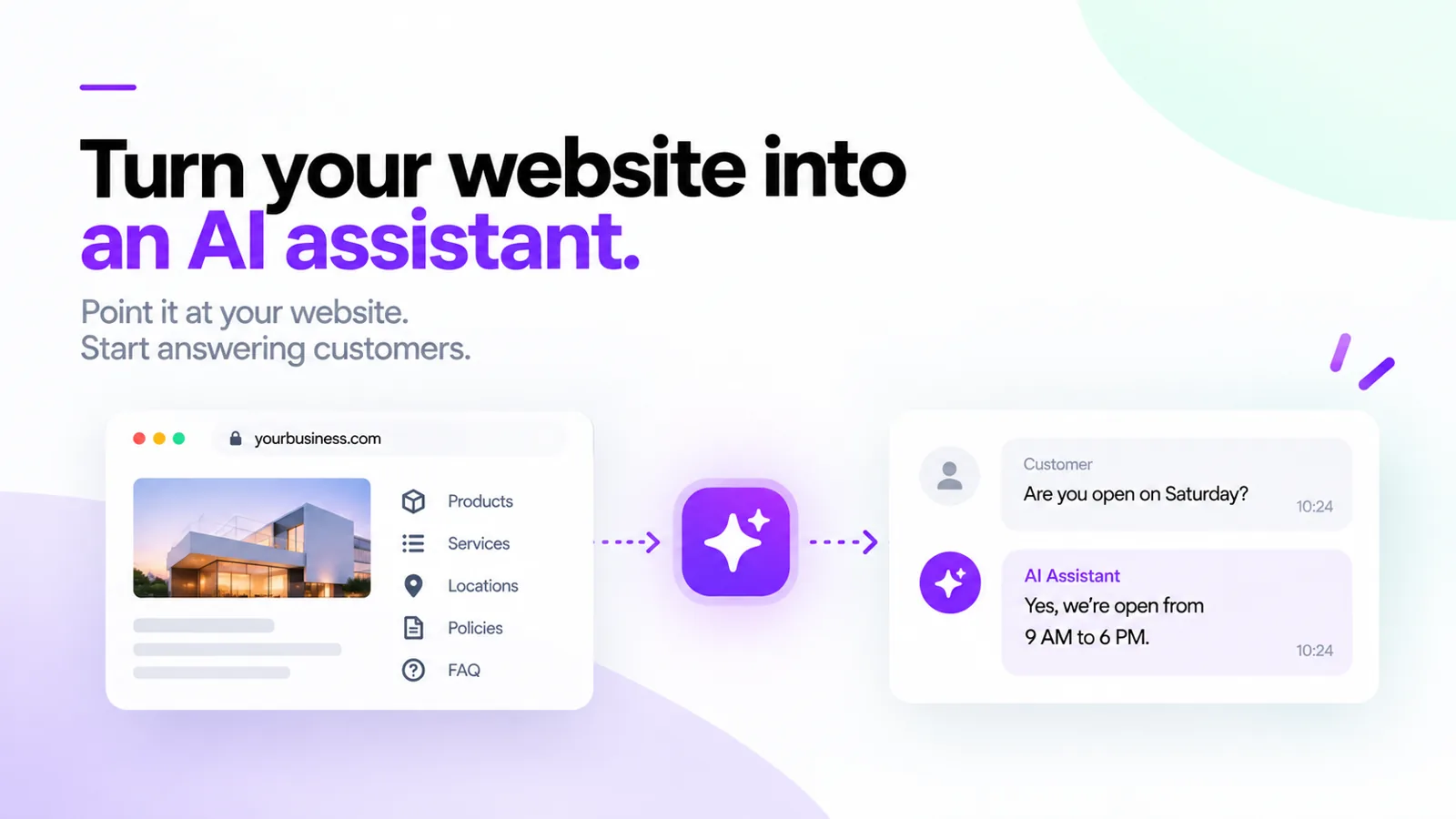
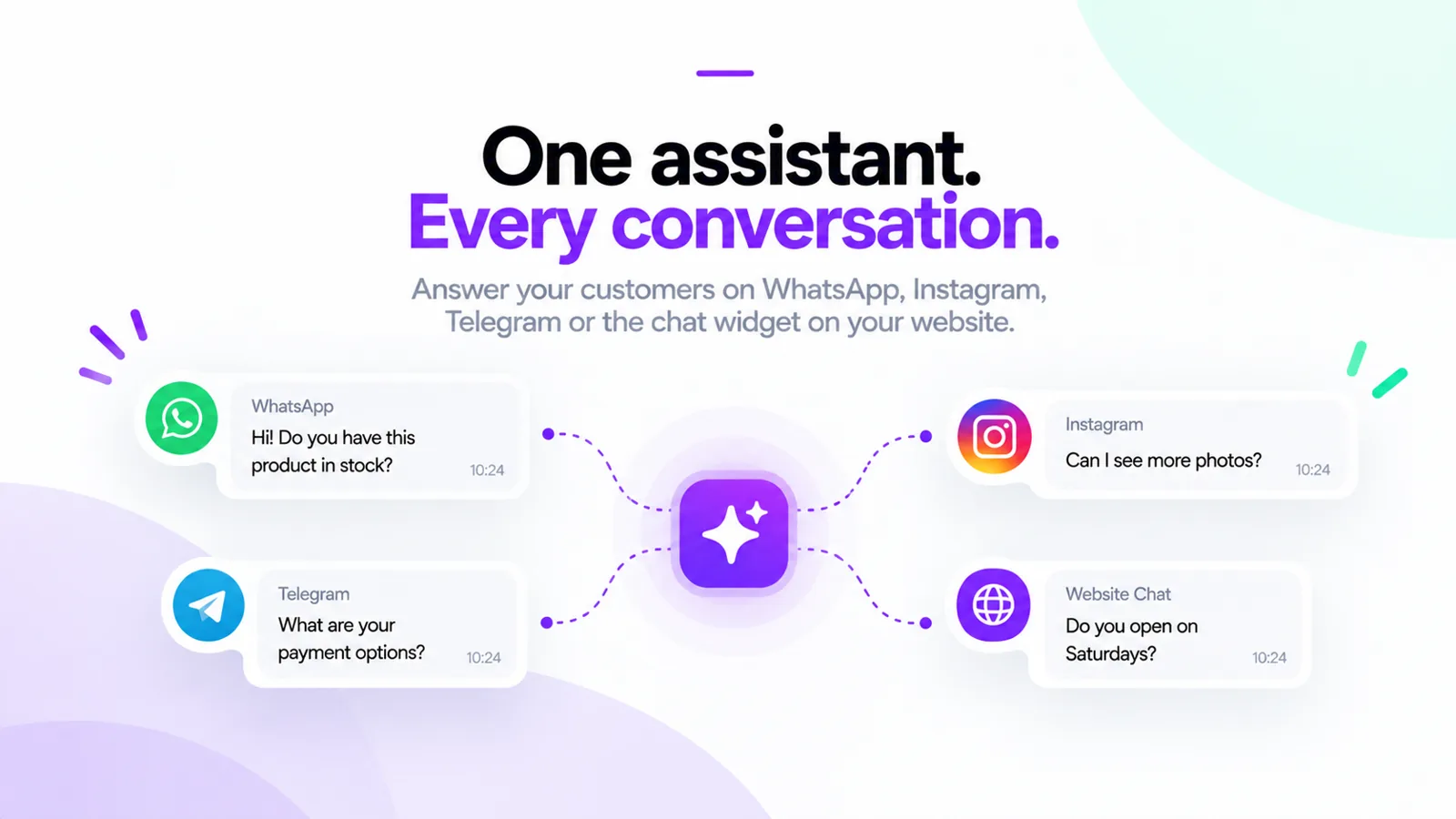
Point it at your website and get an AI assistant that answers your customers on WhatsApp, Instagram, Telegram or your website chat.
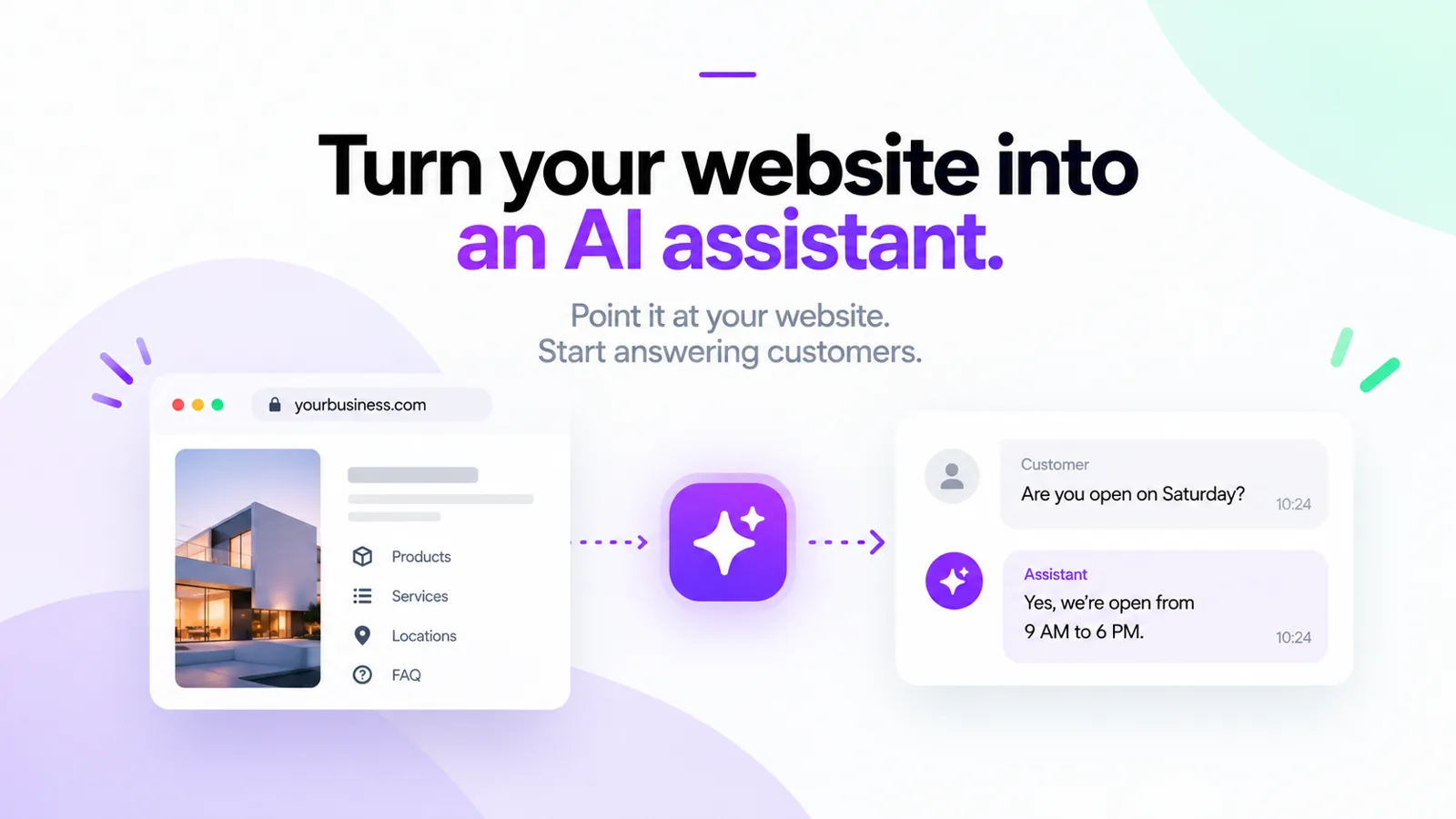
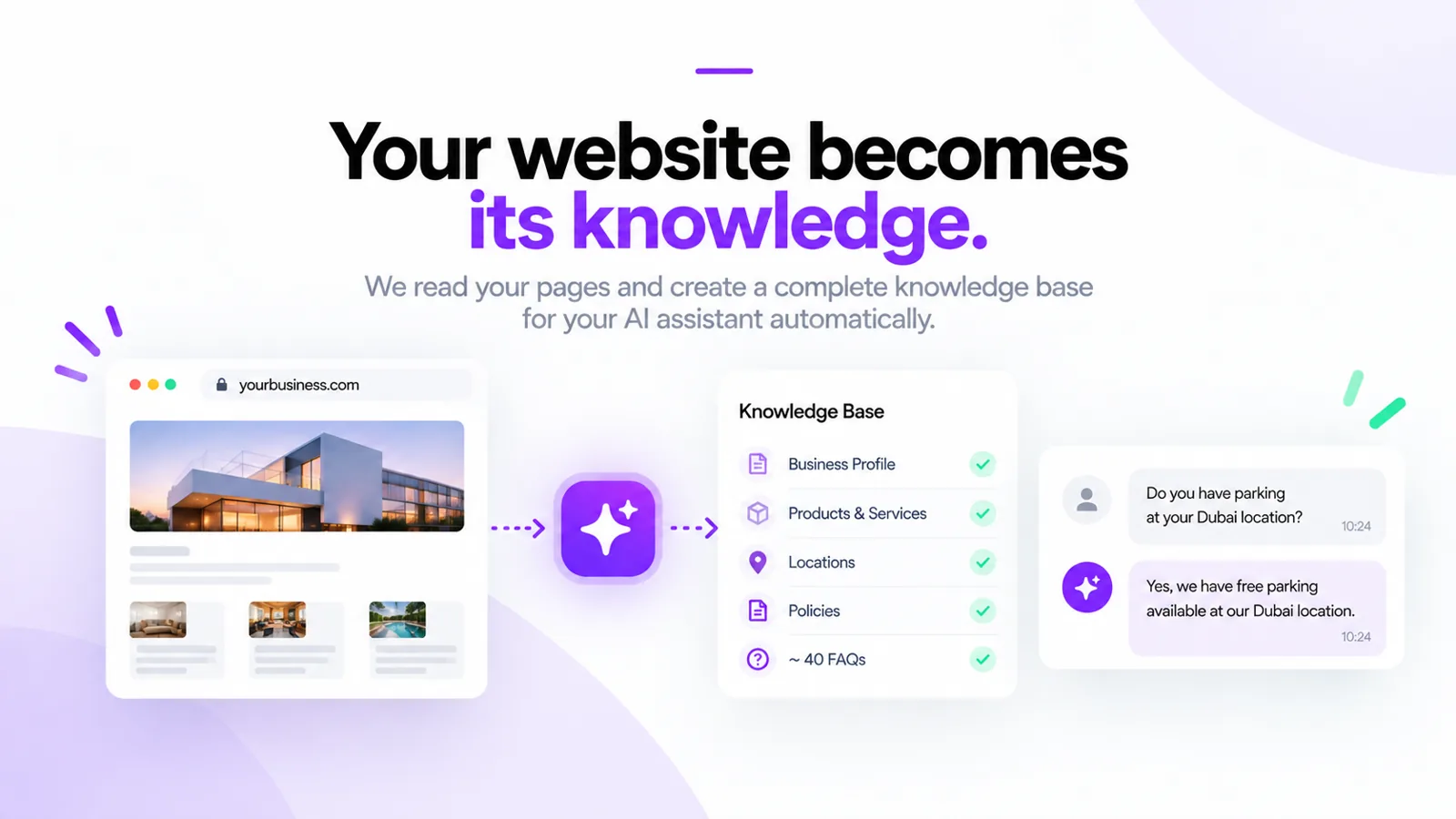
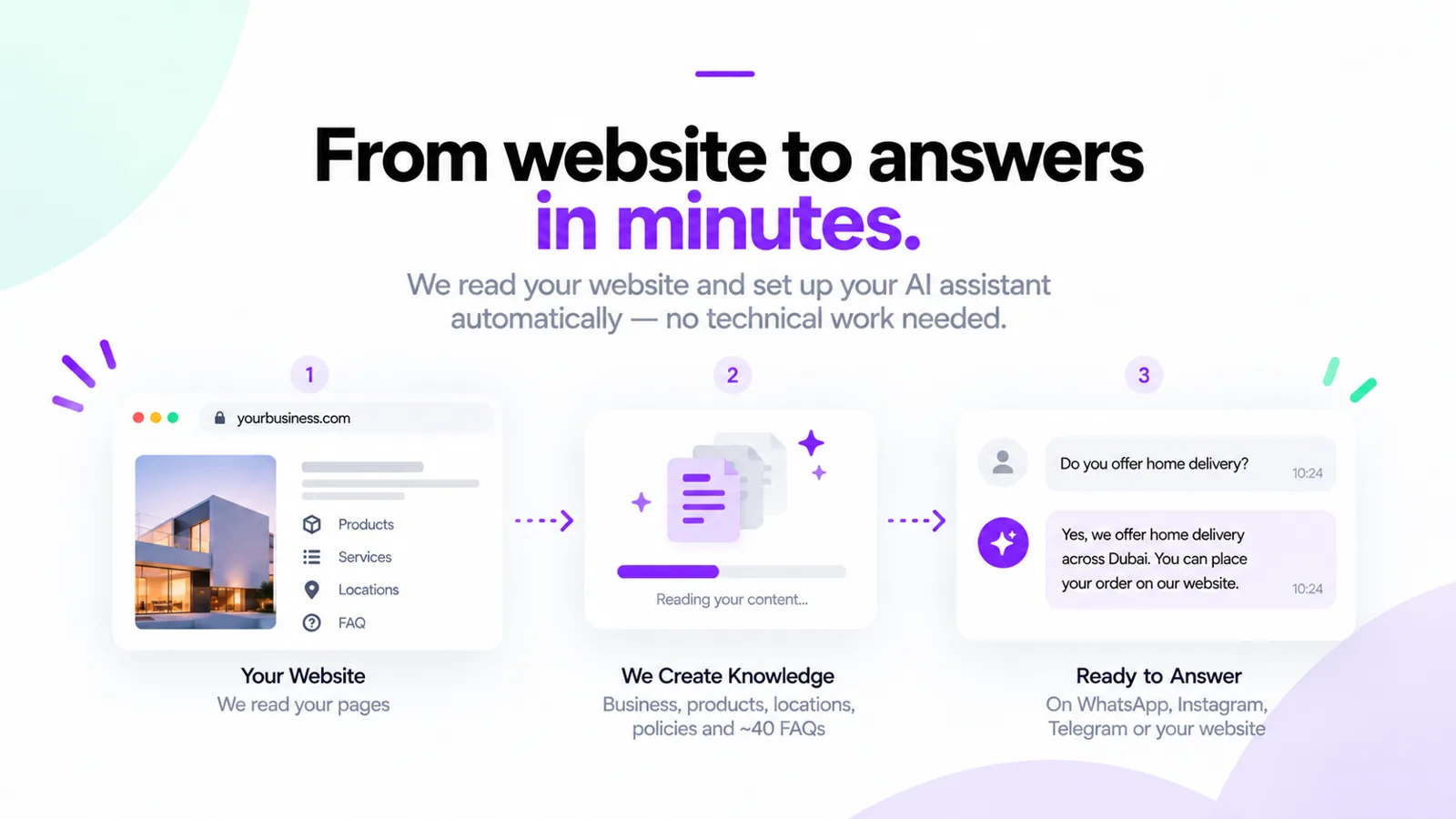
MonoChat Start reads your website: what you do, what you sell, where you are and when you open. From those pages it writes your assistant’s knowledge base: a business profile, your products and services, your locations, your policies and around forty questions your customers actually ask.
Two minutes later the assistant is answering on WhatsApp, Instagram, Telegram or the chat widget on your site, in each customer’s own language.
No website, or one that gives it nothing to read? Answer five questions instead and it writes the same knowledge base from your answers.
In the UAE
The quickest start for any UAE business with a website.
What it does
-
It only says what is written down
Everything the assistant is allowed to say sits on four tabs of its own screen. It never states a price, a delivery time or a guarantee that is not written there.
-
It takes a message instead of improvising
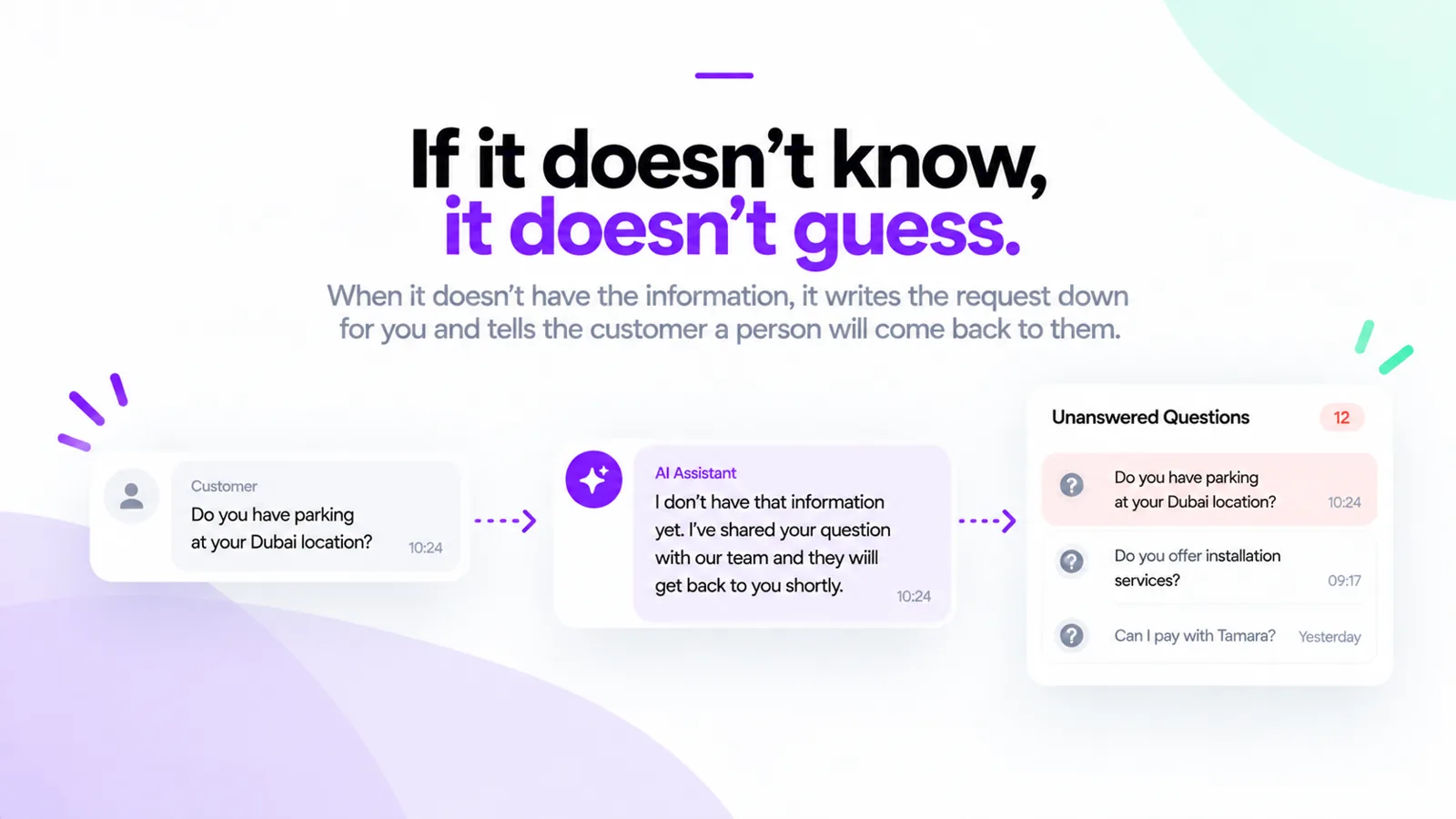
When it has no answer, it writes the request down for you and tells the customer a person will come back to them.
-
“Check this” before it goes live
Answers it wrote from general knowledge about your sector, rather than from your site, arrive switched off with a “Check this” badge until you approve them.
-
It answers in the customer’s language
Customers can write in their own language and get the answer in that language.
Inside the app
-
Four knowledge tabs
Questions, Products & services, Locations and Policies hold everything the assistant knows. Edit any entry, switch it on or off, or export it.
-
Follow-ups
Conversations that mentioned a subject you follow, collected in one place.
-
Topics
The subjects you want to hear about. It suggests some and notices new ones as customers raise them.
-
Messages taken
Every request the assistant wrote down for you because it had no answer.
-
Customer card
Beside every conversation: sentiment across conversations, subjects the customer keeps raising and anything still waiting on you.
-
Settings that read like questions
Your business, How it talks, Handover and What to watch.
-
Handover to your team
It hands over to a person when asked, when the customer is unhappy or when it has no answer. Choose a team or one person. Outside working hours it says when you are back and takes a message.
-
Reports
How many conversations it handled without you, and the list of questions it could not answer.
Getting started
-
Read my website
Give your website address and pick the language. No website? Answer five questions instead.
-
Review the questions
Read the questions it wrote and turn on the “Check this” ones you agree with.
-
Choose the handover
Pick the team or the person who takes over when a customer needs a human.
-
Connect a channel
WhatsApp, Instagram, Telegram or the chat widget on your website.
Good to know
- Following topics is free and on from the start.
- Sentiment reading stays off until you switch it on. It uses one AI call per finished conversation.
Screens
FAQ
Frequently asked questions
Short answers to the questions we hear most.
What if I do not have a website?
Answer five questions about your business instead. MonoChat Start writes the same knowledge base from your answers: business profile, products and services, locations, policies and common questions.
Will the assistant make up prices or promises?
No. It only says what is written on its four knowledge tabs. It never states a price, a delivery time or a guarantee that is not written there, and answers it wrote from general knowledge about your sector arrive switched off with a “Check this” badge.
What happens when it cannot answer?
It does not improvise. It writes the request down for you under Messages taken and tells the customer a person will come back to them. It also hands over to your team when the customer asks for a person or is unhappy. Outside working hours it says when you are back and takes a message.
Which channels does it answer on?
WhatsApp, Instagram, Telegram and the chat widget on your website. You connect the channel in the last step of setup.
Can I change what it knows?
Yes. Every question, product, location and policy is editable, can be switched on or off and can be exported.
Does sentiment reading cost extra AI usage?
Sentiment reading is off until you switch it on, and then uses one AI call per finished conversation. Following topics is free and on from the start.
Other apps
-

Lead Ads Follow-up
Sends WhatsApp template messages to people who fill your Facebook and Instagram Lead Ads forms, at the delay you choose. -

Google Review Requests
Asks customers for a Google review after their visit, with your review link for each branch, fairly and with an easy way to stop. -

ClickUp Lead Sync
Turns leads and orders from your conversations into ClickUp tasks, and brings your team’s changes back to MonoChat. -

MonoChat Toolkit
Ready-made AI tools and flow nodes: menus, surveys, appointments, leads, coupons, branches, email, Google Sheets and more. -

CompanyAI
An AI assistant built from your website: it learns your products, policies and FAQs, sends requests and complaints to the right department as tasks, and searches your Shopify store. -
MonoChat Tasks
Turn conversations into tasks: assign them, move them through your own states, discuss them in comments and set reminders, next to the chat. -
WhatsApp Template API
Send approved WhatsApp templates from your CRM, ERP or online shop with one API call; replies arrive in your MonoChat inbox. -
Session Link
One API call returns a link to a customer’s conversation in MonoChat, creating the customer and the conversation if needed, and can assign it to an agent or workgroup. -

Ads Referral Report
See which Meta ads and posts start conversations: every chat from a click-to-WhatsApp or Instagram ad, by ad, day and channel.
First month of Growth on us
Bring every customer conversation into one place.
Connect your first channel in minutes. Basic is free for 1,000 outgoing messages a month.
One code per business • 30 days to redeem • No card needed